
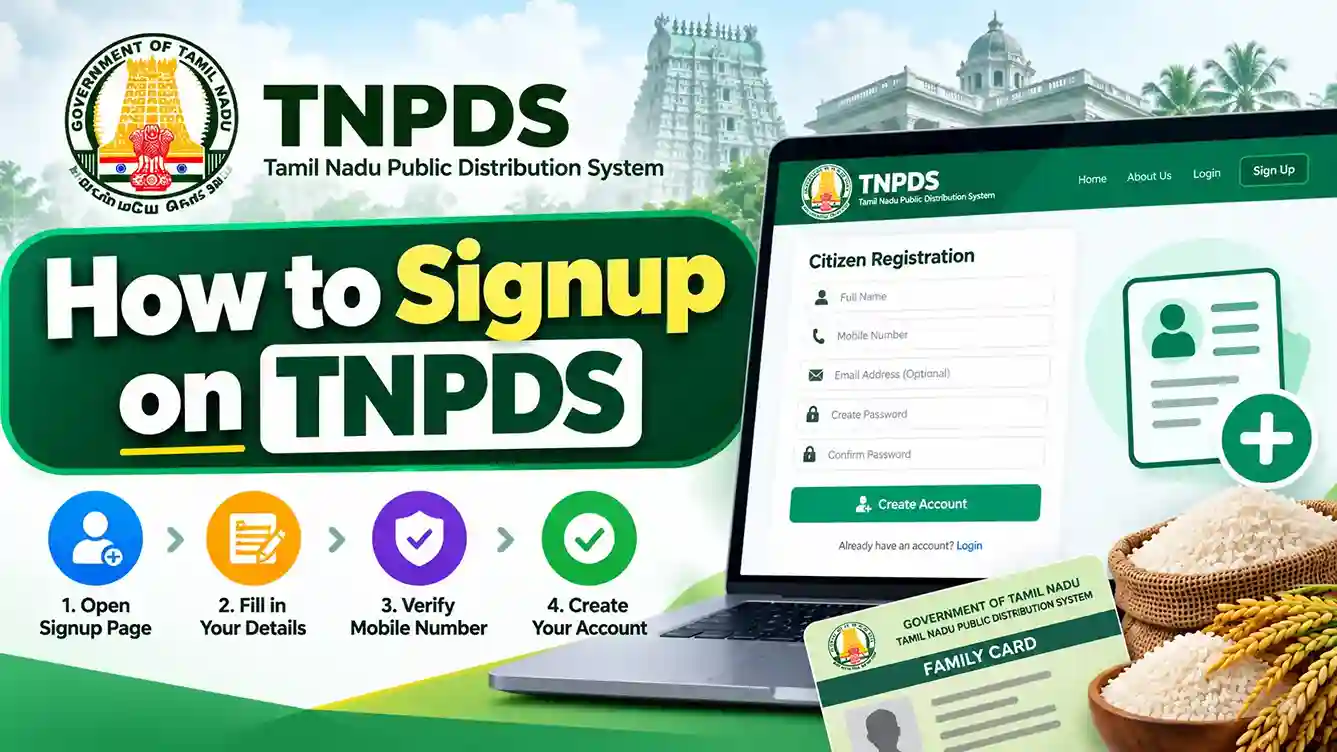
How to Signup on TNPDS
The Tamil Nadu Public Distribution System (TNPDS) provides online facilities for residents of Tamil Nadu to apply for a new smart ration card and access ration card services.
What Is TNPDS Signup?
TNPDS registration allows eligible households to submit information for a new smart ration card through the Tamil Nadu Public Distribution System. Applicants provide household details, address information, family member information and supporting documents. After submitting a new card application, they can use the generated application reference number to track its status.
www.tnpds.gov.in
Before You Start TNPDS Registration
Before applying for a new Tamil Nadu Smart Ration Card, keep your personal details, family information, mobile number and supporting documents ready.
Required Documents for TNPDS Signup
Aadhaar card details of relevant family members.
An active mobile number for communication and verification.
Address proof, such as an electricity bill, rental agreement or another accepted document.
A recent photograph of the head of the family.
Family member details, including names, ages or dates of birth, and relationships.
Old ration card or surrender-related documents, if applicable.
The exact document requirements, accepted file formats and upload limits should be checked on the application form.
How to Signup on TNPDS Step by Step
-
Visit the Official TNPDS Website
Open your browser and visit tnpds.gov.in. Make sure the website address is correct before entering personal information.
-
Select Your Preferred Language
Choose Tamil or English if the language selection option is available. This makes the registration instructions easier to understand.
-
Open the Smart Card Application Section
Locate Smart Card Application under the smart card application services. Select the new application option rather than the status-checking service.
-
Enter the Head of Family Details
Fill in the requested details of the family head, which may include name, parent or spouse’s name, residential address, district, Taluk, PIN code and contact number. Ensure they match the relevant supporting documents.
-
Complete Mobile Verification if Requested
Enter your mobile number and complete OTP or other verification if prompted. The TNePDS system supports mobile-based authentication, although the exact verification stage can vary by service.
-
Add Your Family Members
Enter the required details for each family member, including name, date of birth, gender and relationship to the head of the family. Use the form’s available option to add further members.
-
Select the Relevant Card Type
Choose the ration card type offered by the application form that matches your household’s circumstances. Final classification and entitlement depend on applicable government rules.
-
Upload Supporting Documents
Upload the requested photograph and residence or identity documents. Check that every uploaded file meets the portal’s current format and size requirements.
-
Review and Submit the Application
Check all entered details before submission. Correct any mistakes, complete the applicable declaration and click Submit.
-
Save Your Application Reference Number
After successful submission, retain the acknowledgement or application reference number. It can be used to track your smart card application status.
TNPDS signup and applying for a new smart ration card are not necessarily the same as creating a traditional username-and-password account. The exact form fields and button labels may vary on the official portal.
How to Register or Access TNPDS as an Existing Cardholder
Existing smart ration cardholders generally use their registered mobile number to access card-related services rather than submit another new-card application.
Step 1: Open the Official Portal
Visit tnpds.gov.in and select the relevant beneficiary or smart card service.
Step 2: Enter Your Registered Mobile Number
Provide the mobile number linked to your existing ration card.
Step 3: Complete OTP Authentication
Complete the requested verification using the OTP received on your registered mobile number.
Step 4: Access Available Services
After successful verification, eligible services may allow you to view family-card information, update details, submit requests or access transaction information.
How to Check Your TNPDS Registration Status
Once you submit an application, you can track its progress using the application reference number.
Step 1: Open Smart Card Application Status
Visit the official TNPDS website and find the Smart Card Application Status service.
Step 2: Enter Your Reference Number
Provide the application reference number generated when the application was submitted.
Step 3: Submit Your Details
Select the available Submit or status-checking option to retrieve your application information.
Step 4: Review the Application Status
Check the result displayed by the portal. If further verification or corrections are required, follow the applicable government instructions.
Common TNPDS Signup Problems and Solutions
OTP Not Received
Check your mobile signal and SMS availability. Request another OTP if the portal provides that option.
Invalid Mobile Number
Verify the number entered. Existing cardholders should use the number linked to their card.
Document Upload Failed
Check the file type, size and readability against the portal’s displayed requirements.
Incorrect Family Details
Review the original documents and correct the information before submitting the application.
Application Reference Number Lost
Check your saved acknowledgement or SMS. Contact official TNPDS support if the number cannot be recovered.
Website or Registration Page Not Working
Check the official website address, retry later and avoid entering sensitive information on unofficial alternatives.
TNPDS Signup FAQs
Is a separate username and password
required for TNPDS signup?
A separate public username-and-password registration requirement could not be verified. The documented new-card application process and registered-mobile-number authentication should not be confused with a traditional website account.
Can I signup on TNPDS using
my mobile number?
Mobile numbers are used for TNePDS authentication and contact purposes. For a new card, applicants should follow the specific verification requirements shown on the official application form.
Can I apply if I already
have a ration card?
If you already hold a ration card, check whether you need a correction, family-member change, card-related service or another applicable request instead of submitting a duplicate new-card application.
How can I get help with
TNPDS registration?
Contact the official TNPDS helpdesk using the helpline numbers listed below.
Official TNPDS Signup Support
For security, always use the official TNPDS website and never share your OTP with another person.
Conclusion
TNPDS provides online facilities for Tamil Nadu residents to apply for a new smart ration card and use related services. Applicants should complete the relevant application form with accurate household details, upload the documents requested by the portal and retain their reference number for tracking.