Recover Password
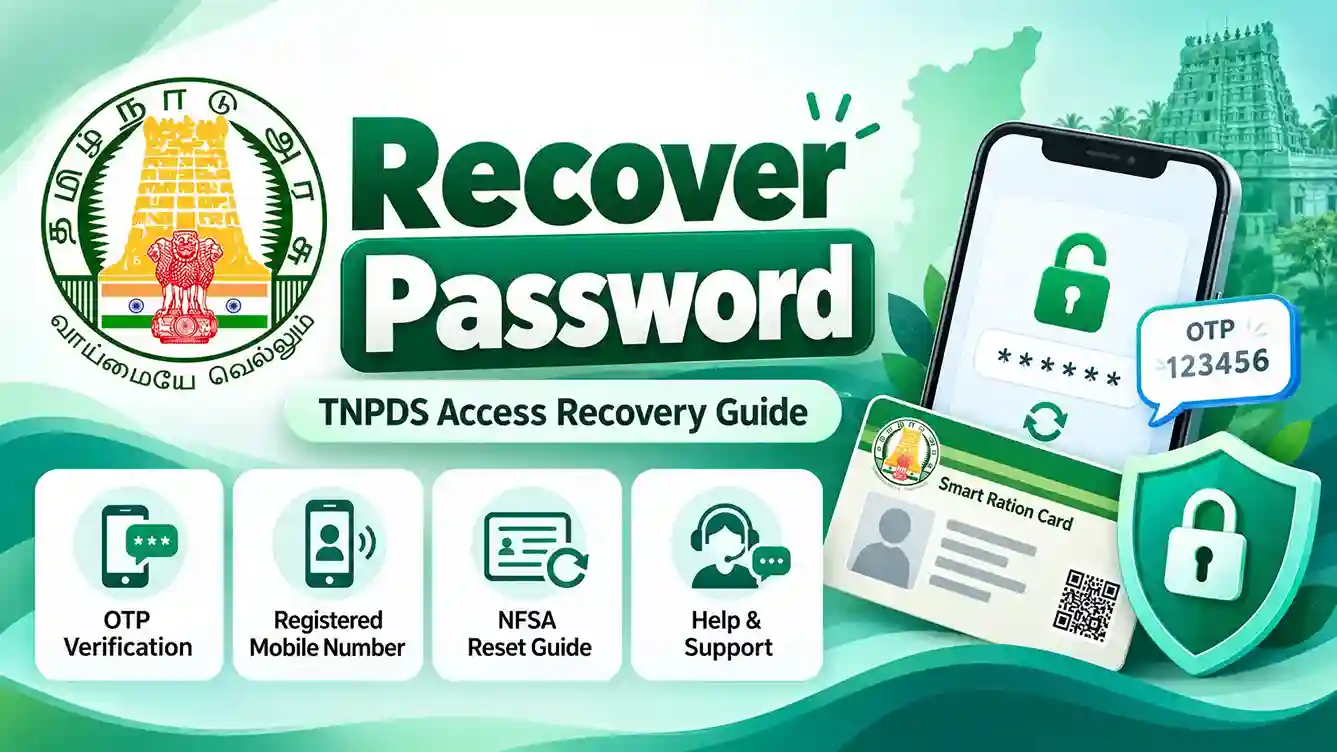
Learn how to recover access to Tamil Nadu Public Distribution System (TNPDS) services using your registered mobile number, understand OTP verification and find out when password recovery is available through the separate NFSA portal.
Can You Recover a TNPDS Password?
Password recovery depends on which government service you are using. TNPDS citizen services may authenticate ration cardholders through their registered mobile number and OTP. A separate public Forgot Password form on the TNPDS website has not been independently verified.
TNPDS Citizen Services
If the selected service uses registered-mobile-number authentication, you can regain access by completing the official verification process. A traditional password reset may not be required.
NFSA Login Account
The National Food Security Act (NFSA) portal offers a separate login system with Login ID, password and a Forgot Password option. Its recovery facility is not a TNPDS password reset.
Important: The TNPDS and NFSA portals are different services. Always identify the portal you originally used before starting account recovery.
How to Recover Access to TNPDS Step by Step
If you cannot access your TNPDS ration card services, first try the authentication method provided by the official portal or TNePDS app. The following steps apply when registered-mobile-number or OTP authentication is offered.
-
Step 1: Visit the Official TNPDS Website
Open your web browser and visit www.tnpds.gov.in. Check the address carefully before entering any personal details.
-
Step 2: Open the Relevant Ration Card Service
Choose the beneficiary or smart card service that you want to access. Available services and authentication screens may vary.
-
Step 3: Enter Your Registered Mobile Number
If the service requests a mobile number, enter the number registered with your Tamil Nadu smart ration card. Check the digits carefully.
-
Step 4: Request Verification
Follow the instructions on the official screen. If an OTP request or captcha is displayed, complete the required verification steps.
-
Step 5: Verify the OTP
When an OTP is sent to your registered phone, enter it into the official service before it expires. Never share this code with anyone.
-
Step 6: Access the Available Services
After successful verification, continue to the service provided by the government portal or app. If verification fails, use official support instead of an unofficial password-reset website.
www.tnpds.gov.in
What If Your Registered Mobile Number Is Lost?
If your registered mobile number is inactive, lost or no longer available, you may be unable to receive the OTP required for account authentication. In this situation, contact official TNPDS support.
Contact the TNPDS Helpdesk
Explain that you cannot receive verification messages because the mobile number linked to your ration card is unavailable.
Keep Card Details Available
Keep your ration card reference and relevant identity details ready if the official helpdesk asks for them through an approved process.
Seek Local Department Assistance
If remote recovery is not possible, ask the helpdesk whether you need assistance from the relevant Taluk Supply Office.
Follow the Official Verification Process
Complete any identity checks or mobile-number update steps required by the department. Do not give an OTP to agents or strangers.
Remember: Mobile-number changes and account recovery may require identity verification. The exact procedure should be confirmed with the relevant government office.
How to Reset a Password on the NFSA Portal
This method is only for users who have a login account on the separate National Food Security Act (NFSA) portal. It does not reset a TNPDS citizen account password.
-
Step 1: Open the Official NFSA Login Page
Visit nfsa.gov.in and open the public login service. Select the Login ID sign-in option if that is the method you previously used.
-
Step 2: Select Forgot Password
Find the Forgot Password link on the official NFSA public login screen and open the recovery page.
-
Step 3: Enter Your Login ID
Provide the Login ID associated with your NFSA account in the recovery form.
-
Step 4: Complete the Captcha
Enter the security characters displayed on the recovery page. Refresh the captcha if necessary.
-
Step 5: Follow the Official Recovery Instructions
Continue using the instructions displayed on the NFSA website. Additional identity verification or password update requirements may appear.
-
Step 6: Return to Login
Once the official recovery process is completed successfully, return to the NFSA login page and sign in using the method provided by the portal.
Separate Government of India service
Common Password Recovery Problems and Solutions
OTP Not Received
Check the mobile network and SMS reception. Request another OTP if that option is available.
Mobile Number Not Registered
Confirm which mobile number is linked to the card. Contact official support if it needs updating.
Invalid or Expired OTP
Enter the newest verification code. If it has expired, request a fresh code.
Website Not Loading
Check the internet connection and retry later. Avoid unofficial login or reset links.
Forgot NFSA Login ID
Check your saved account information. Follow the official NFSA help process if the Login ID is unavailable.
Forgot Password Option Missing
Confirm which portal you are using. Do not assume that the TNPDS and NFSA login systems are the same.
How to Keep Your TNPDS Account Secure
Use Official Websites
Enter login information only on government websites you have verified yourself.
Never Share an OTP
Do not disclose OTPs, verification codes or passwords to callers or agents.
Protect Your Device
Keep your phone updated and protected with a screen lock. Avoid untrusted apps.
Report Suspicious Activity
Contact official support if you suspect that someone has attempted unauthorized access.
Recover Password FAQs
Does TNPDS have a
Forgot Password option?
A separate public Forgot Password form on the TNPDS citizen portal has not been verified. TNePDS services support registered-mobile-number authentication depending on the service.
Can I access TNPDS
without a password?
Some TNePDS services support authentication using a registered mobile number and OTP or another official verification response. Follow the method offered by the service.
What should I do if
my registered mobile
number is lost?
Contact official TNPDS support and ask about the verification and mobile-number update procedure.
Can I reset my TNPDS
password on NFSA?
No. NFSA and TNPDS use separate services. The NFSA Forgot Password page is intended for an applicable NFSA login account.
Is it safe to share
my OTP with support staff?
No. Never share an OTP, password or security token with any person, including someone claiming to offer account recovery.
Who should I contact
for TNPDS access issues?
Use the official TNPDS helplines 1967 and 1800-425-5901 for assistance with ration card services and account access.
Official TNPDS Recovery Support
Conclusion
Recovering access to TNPDS services depends on the authentication method offered by the official government portal or app. If a service uses registered-mobile-number and OTP verification, follow that process to regain access. If your registered number is unavailable, contact official TNPDS support. Users of the separate NFSA login system can use the official NFSA Forgot Password facility.